
01 Wearable app development

Wearable app development: smartwatch companions for your phone app

Tailwebs offers wearable app development for companions to Android and iOS phone apps: glanceable screens, notifications, quick actions and health or activity data synced back to the phone. We plan battery use, offline behaviour and sync first, because they decide whether people keep the watch app. Cost and timeline depend on the phone app it extends.

Priced with your phone app

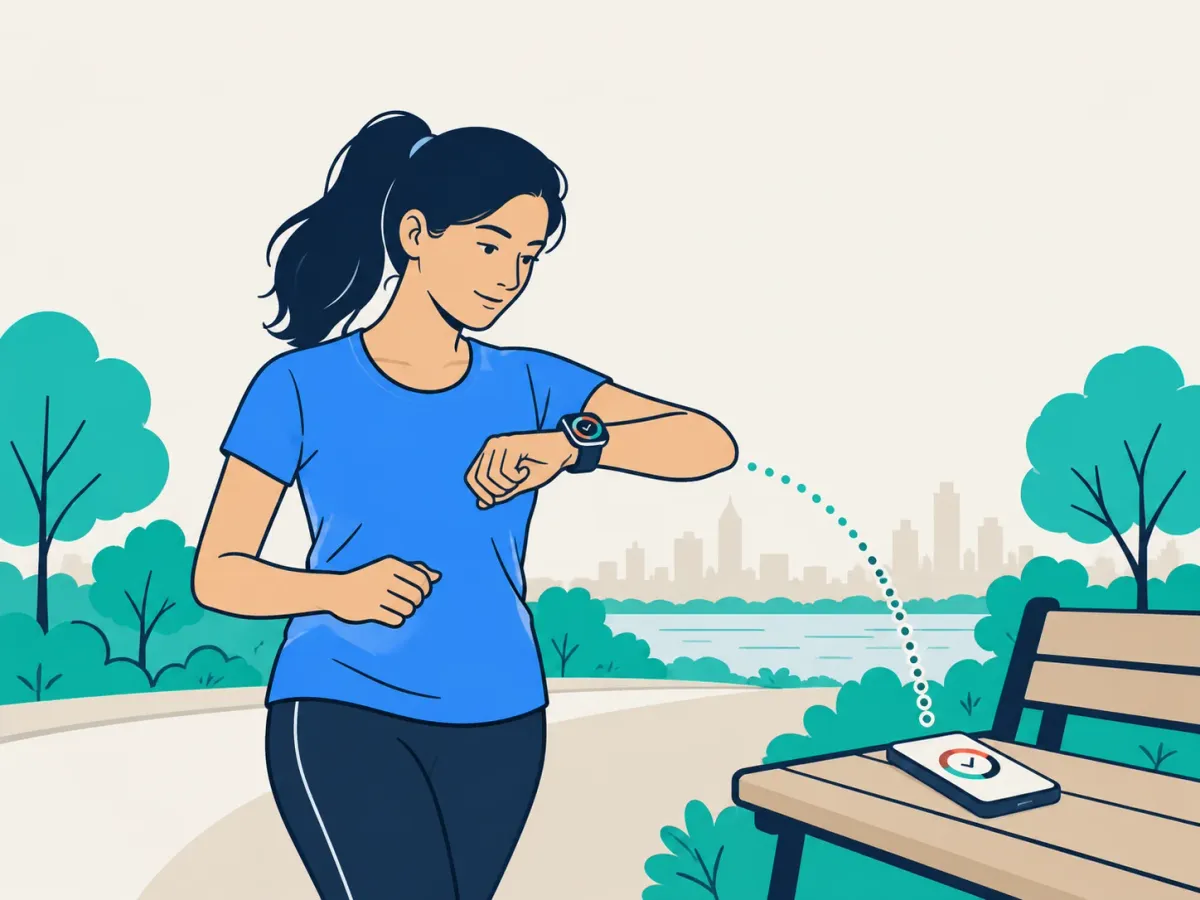
Illustration: a runner checks her smartwatch, synced to the phone on a bench

02 Platforms

Wear OS and watchOS app development: what each platform offers

We have shipped watch apps on both. Both run alongside a phone app; they differ in the phone they pair with, their health APIs and the watch face.

  • 01/02

    watchOS (Apple Watch)

    We have shipped Apple Watch apps.

    Good for
    Health and activity APIs
    Watch-face surfaces
    Constraints
  • 02/02

    Wear OS (Google)

    We have shipped Wear OS apps.

    Good for
    Health and activity APIs
    Watch-face surfaces
    Constraints

03 Device limits

What a wearable app can and can't do

A watch app does a few things well, in short glances, on a small battery. We plan for five limits before the screens.

  • Battery

    Sync on a schedule, keep background work short, and sample sensors only as often as the feature needs.

    For example Reminders, set on the phone and shown on the watch at the right time.

  • Small and round screens

    Glanceable screens, one action per screen, and text that still fits on a round face.

    For example The status of an order, a delivery or a shift, read at a glance.

  • Bluetooth sync with the phone

    The watch and the phone swap small updates; the phone does the heavy work and talks to your backend.

    For example Workout data, recorded on the watch and synced through the phone.

  • Offline when the phone is out of range

    The watch keeps working from what it has stored, and catches up when the phone is back.

    For example Hands-free field tasks, ticked off on the watch and uploaded later.

  • Sensors and health permissions

    Heart rate, steps and location each need the user's consent, and the app has to work when one is refused.

    For example A workout that still logs when heart-rate access is turned off.

Do you need a phone app first?

Usually. Most watch apps share login, data and notifications with a phone app and one backend, so we plan the two together, and if the phone app is ours, it is one team.

04 Health data

Reading health and activity data: permissions and consent

A watch app can read heart rate, steps, workouts and similar data only through the platform's health APIs, and only for the data types each user agrees to.

Where the data comes from

  • HealthKit, on iPhone and Apple Watch
  • Health Connect, on Android phones
  • Health Services, on Wear OS watches

Consent per data type

  • Users grant each data type separately
  • They can withdraw it at any time
  • The app must still work when a permission is refused

Store review and privacy

  • Both stores review how health data is used
  • A privacy policy has to explain it
  • Health data is personal data under India's DPDP Act, and special category data under UK GDPR, so we plan what is stored, where, and for how long before build

05 Other wearables

Fitness bands, rings and other devices

Many bands and rings don't run third-party apps, so the phone app reads their data through the maker's own SDK or cloud API, or through the phone's health store.

The maker's SDK
The phone app talks to the device directly, where the maker offers one.
The maker's cloud API
The device syncs to the maker's cloud, and your backend reads from there.
The phone's health store
The device writes to HealthKit or Health Connect, and your app reads from there with permission.
Devices we have integrated
Fitness bands, rings and other wearables, connected to phone apps, including Bluetooth pairing.
Test check · on real watches
  1. Battery drain over a day of normal use
  2. Bluetooth sync with the phone, including reconnecting
  3. Offline behaviour when the phone is out of range
  4. Layouts on round and square screens
  5. Store review for the watch app

06 Pricing · draft

What does a smartwatch app cost?

It is priced as an add-on to the phone app it extends, and three things move the price.

Add-on

Wearable companion app

A watch app planned and built with your Android or iOS phone app.

Quoted with your phone app

What moves the price
  • Number of watch screens
  • Sync complexity
  • Health-data permissions

07 FAQ

Questions about wearable apps.

How much does smartwatch app development cost?
A watch app is priced as an add-on to your phone app project, and the written estimate sets the figure. The main drivers are the number of watch screens, sync complexity and health-data permissions.
Which platforms do you build wearable apps for?
Apple Watch (watchOS) and Wear OS: we have shipped on both, as companions to iPhone and Android apps. Which one fits depends on the phones your users carry.
Do I need a phone app before a wearable app?
Usually yes: most watch apps work as companions that share login, data and notifications with a phone app, so we plan the two together.
How do you keep a watch app from draining the battery?
We sync in batches instead of continuously, keep background work to what each platform allows, and sample sensors only as often as the feature needs.
Can a watch app work without the phone nearby?
Partly: a watch app can store data and show recent information offline, and watches with their own Wi-Fi or cellular connection can sync directly, but most companion apps catch up with the phone when it is back in range.
Can a wearable app read heart rate and step data?
Yes, with each user's permission: watch apps read sensor data through the platform's health APIs, and every data type needs its own consent.